Booklink builds your client list automatically every time someone makes a booking. There is no manual setup required — by the time you start seeing regular clients, their contact details are already saved and their booking history is being tracked.
The client list
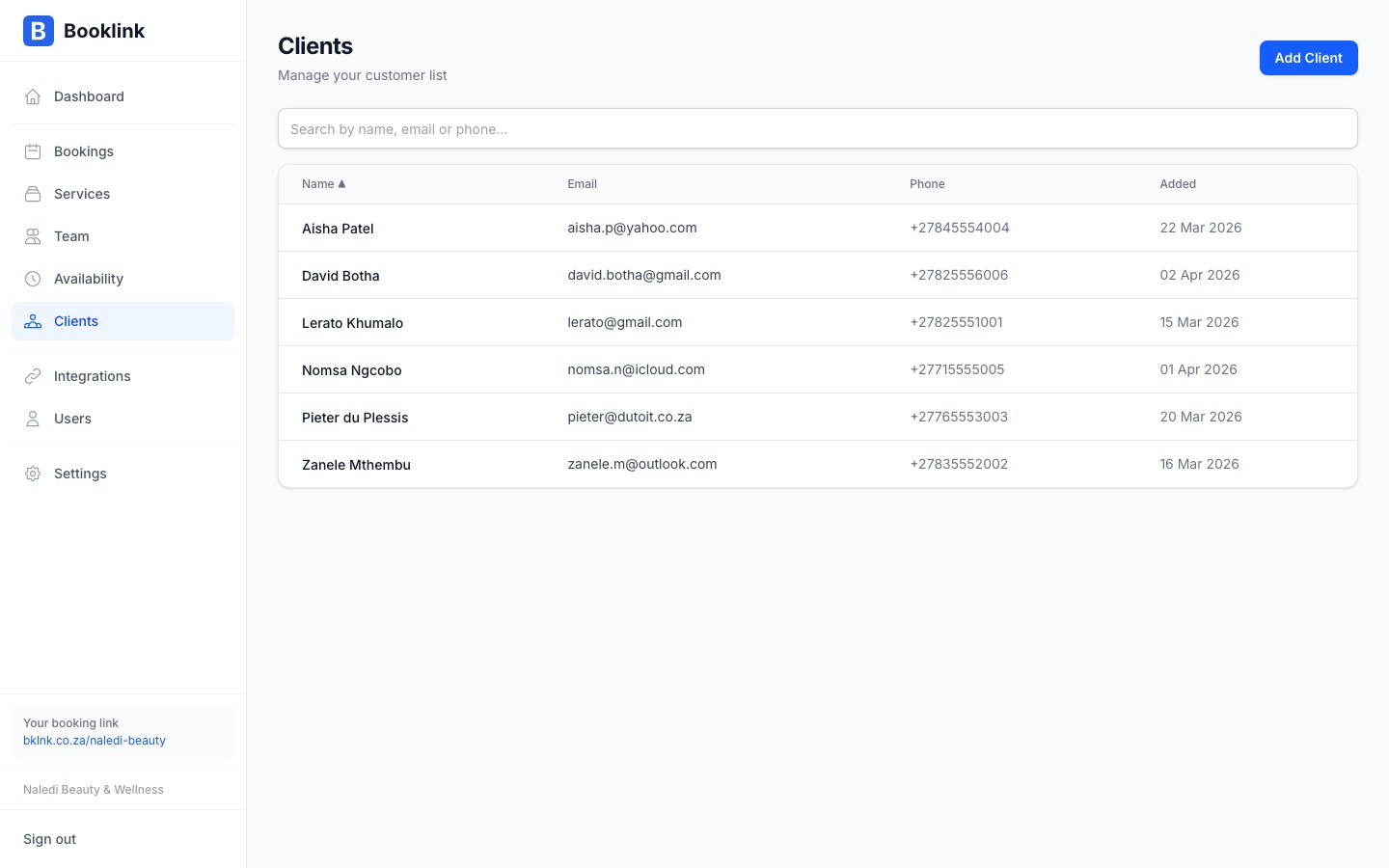
Navigate to Clients in the main menu to see all clients associated with your account. Each row shows the client's name, email address, phone number, and the date of their most recent booking.
How clients are created
A new client record is created automatically when:
- A person completes a booking through your public booking page for the first time
- You create a manual booking and enter an email address that does not match an existing client
If the same email address is used for a second booking, Booklink links that booking to the existing client record rather than creating a duplicate. This keeps your client list clean without any effort on your part.
Searching for a client
Use the search bar at the top of the Clients page to find a specific person. Search works across name, email address, and phone number. Results update as you type.
Pagination
The client list shows 25 clients per page. Use the Previous and Next buttons at the bottom of the list to move between pages. The total number of clients is shown above the table.
Client data and privacy
Client contact details are stored securely and are only visible to users on your Booklink account. You are responsible for handling client data in accordance with POPIA (South Africa's Protection of Personal Information Act).