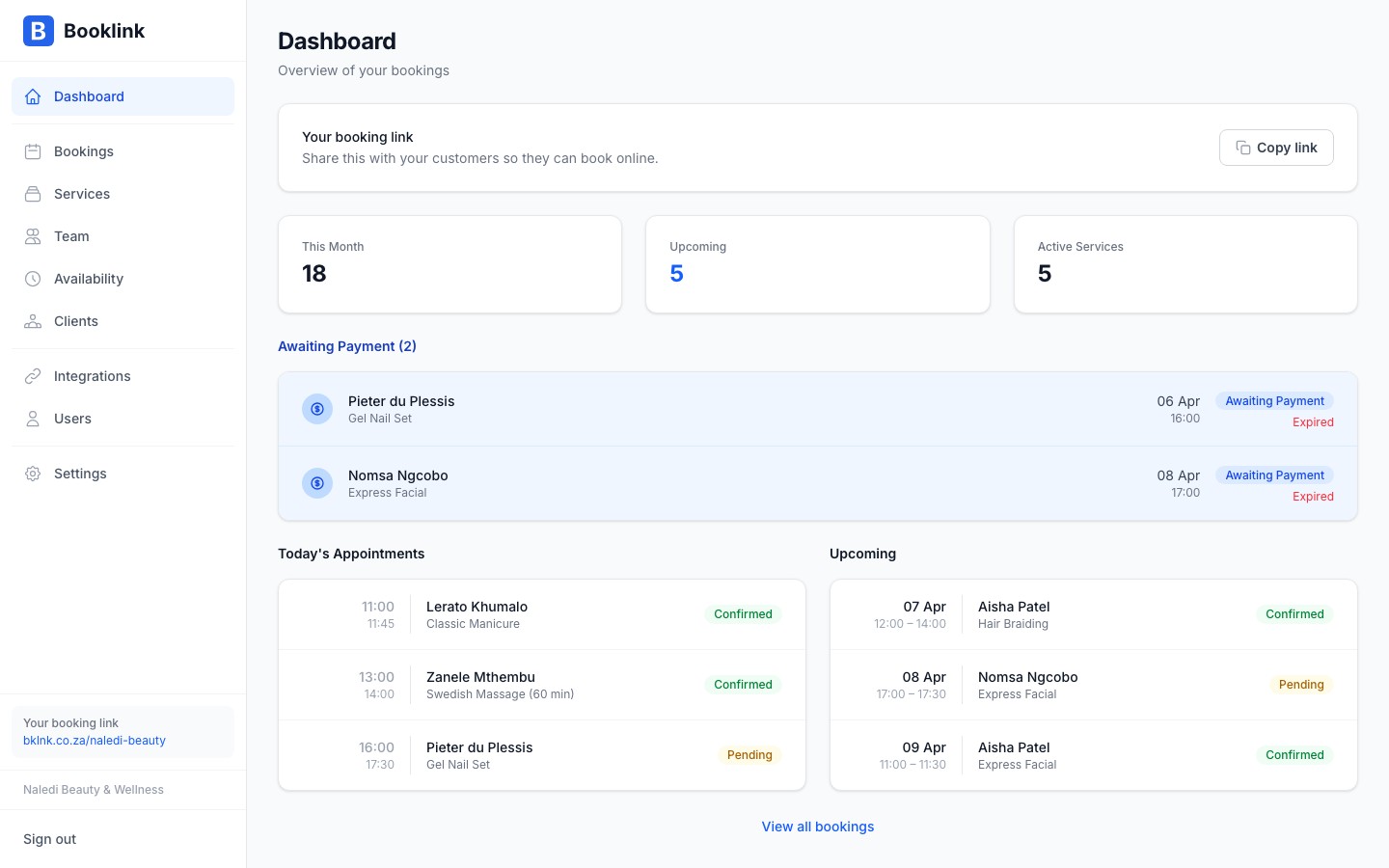
The Booklink dashboard is your home base. It gives you a quick snapshot of your business — upcoming bookings, pending requests that need attention, and easy access to your booking link. This guide walks through each section of the dashboard.
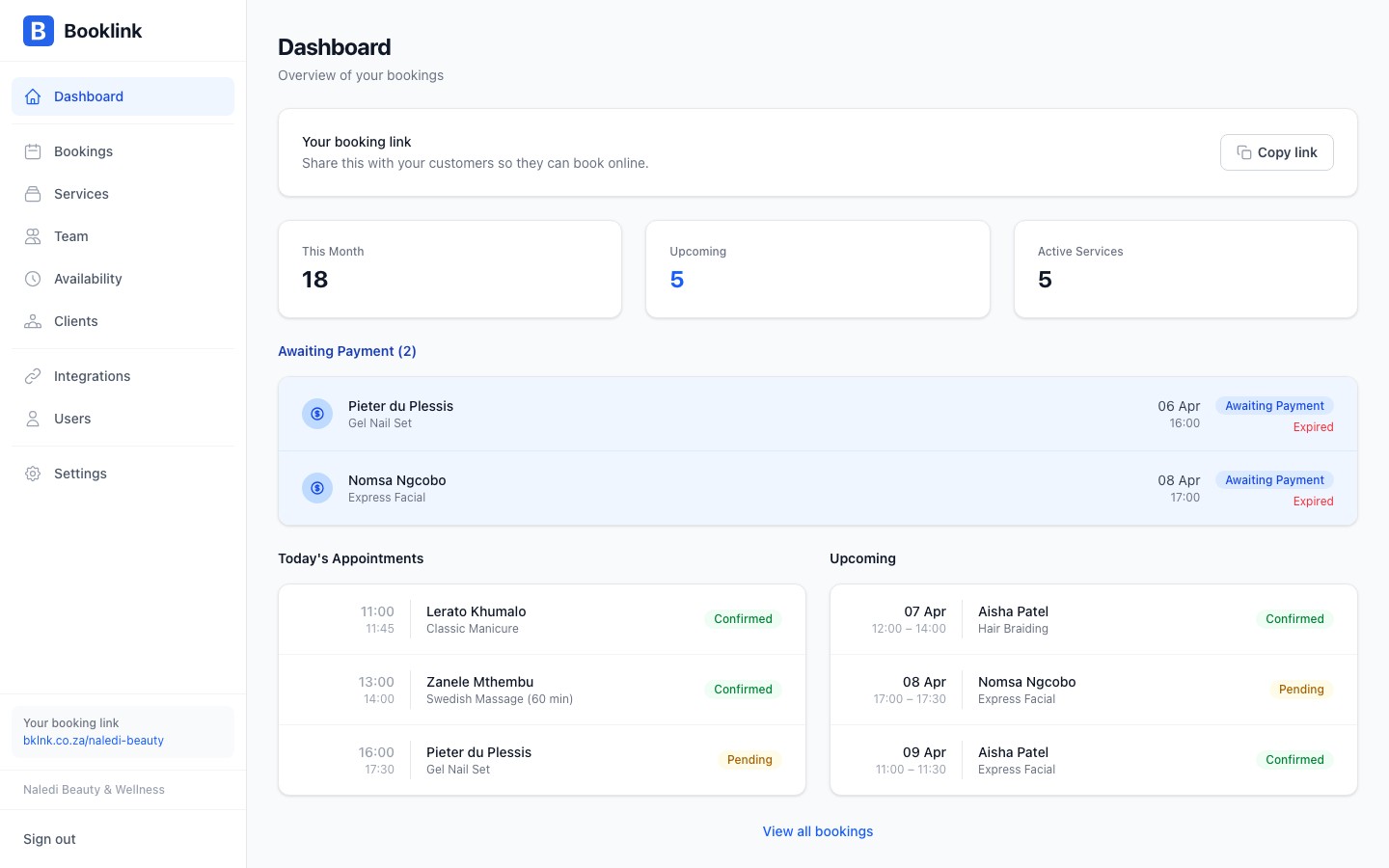
Stats summary
At the top of the dashboard you'll see a row of summary stats for the current period:
- Bookings today — How many appointments are scheduled for today
- This week — Total bookings for the current week
- Pending — Bookings awaiting your confirmation
- Total clients — Unique clients who have booked with you
These numbers update in real time as new bookings come in.
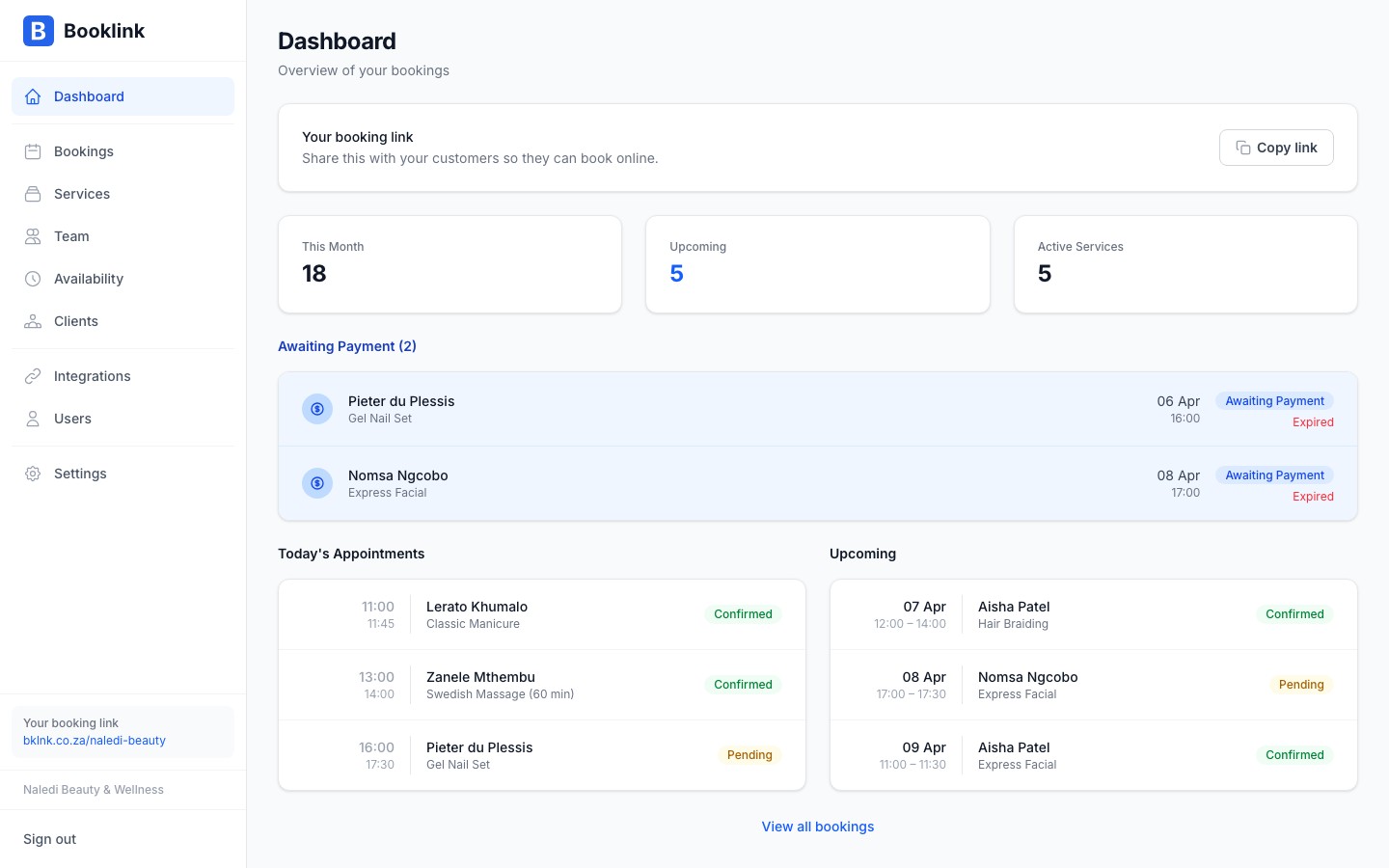
Pending bookings
If you have any bookings in pending status — meaning a client has requested a booking but it hasn't been confirmed yet — they appear in the Pending section. You can confirm or cancel each booking directly from the dashboard.
Respond to pending bookings promptly
Clients are waiting for confirmation when a booking is pending. Try to confirm or decline within a few hours. Booklink sends the client an email as soon as you take action.Upcoming bookings
Below the pending section, you'll see a list of confirmed upcoming bookings. Each card shows the client name, service, team member, date, and time. Click on a booking to view its full details or to cancel it if needed.
Your booking link
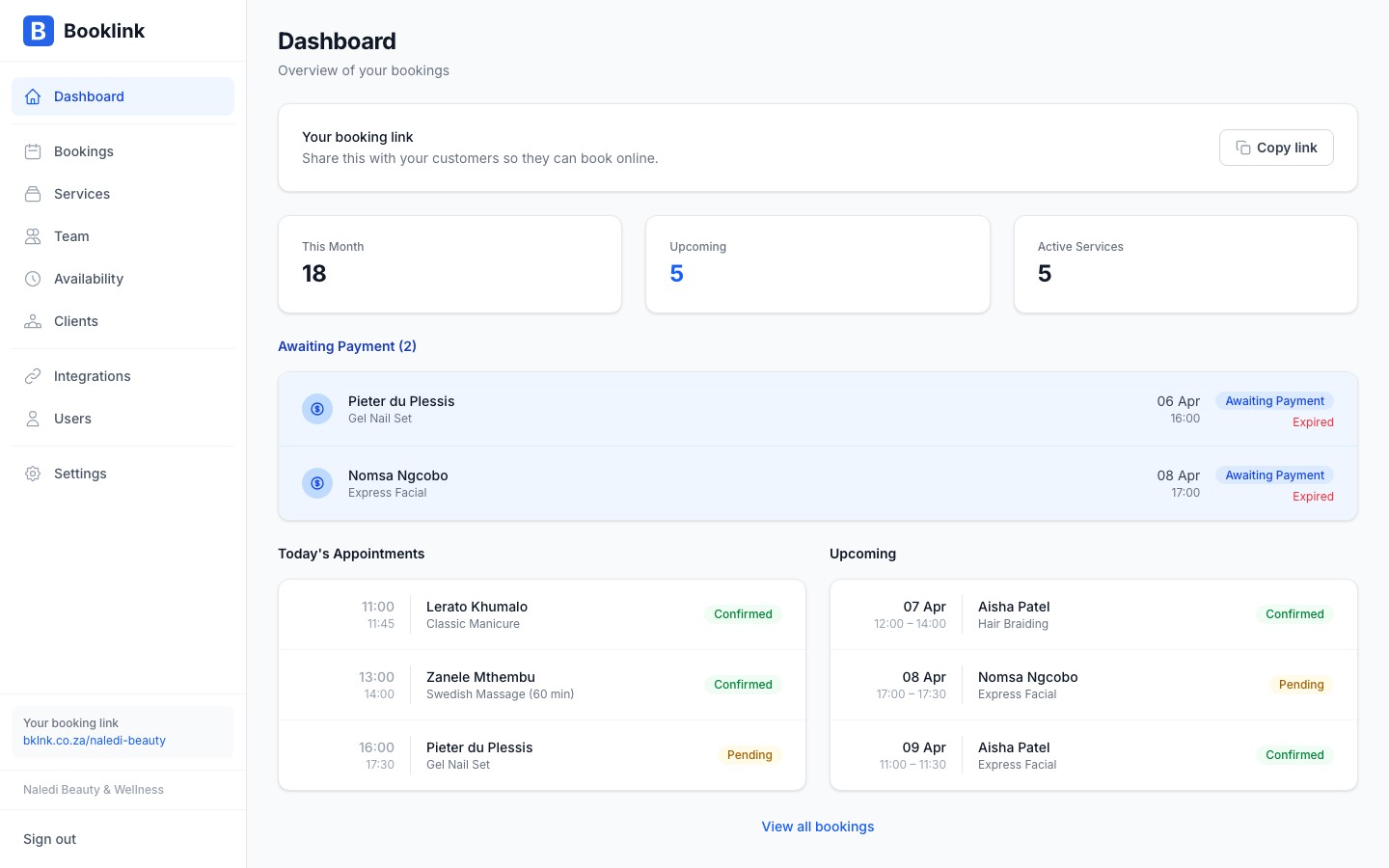
At the bottom of the dashboard (or in the sidebar) you'll find your personalised booking link. This is the URL you share with clients so they can book with you. You can copy it with one click, or use the share buttons to send it via WhatsApp, email, or social media.