Your Booklink booking page is a public-facing website where clients can browse your services and make appointments — no account or login required on their end. It lives at a unique web address based on the slug you set for your business, and you can share it anywhere: Instagram bio, WhatsApp, email signature, or your own website.
Your booking page address
Your booking page URL looks like this:
https://booklink.co.za/to/your-slug
Replace your-slug with the custom slug you set in Settings → Business information. For example, Naledi Beauty & Wellness might use booklink.co.za/to/naledi-beauty.
You can find and copy your full booking link from Settings → Booking link.
What clients see
When a client opens your booking page, they see:
- Your business name and tagline
- Your logo (if you have uploaded one)
- A list of your active services with names, descriptions, durations, and prices
From there they select a service and follow the booking flow to choose a time and enter their details.
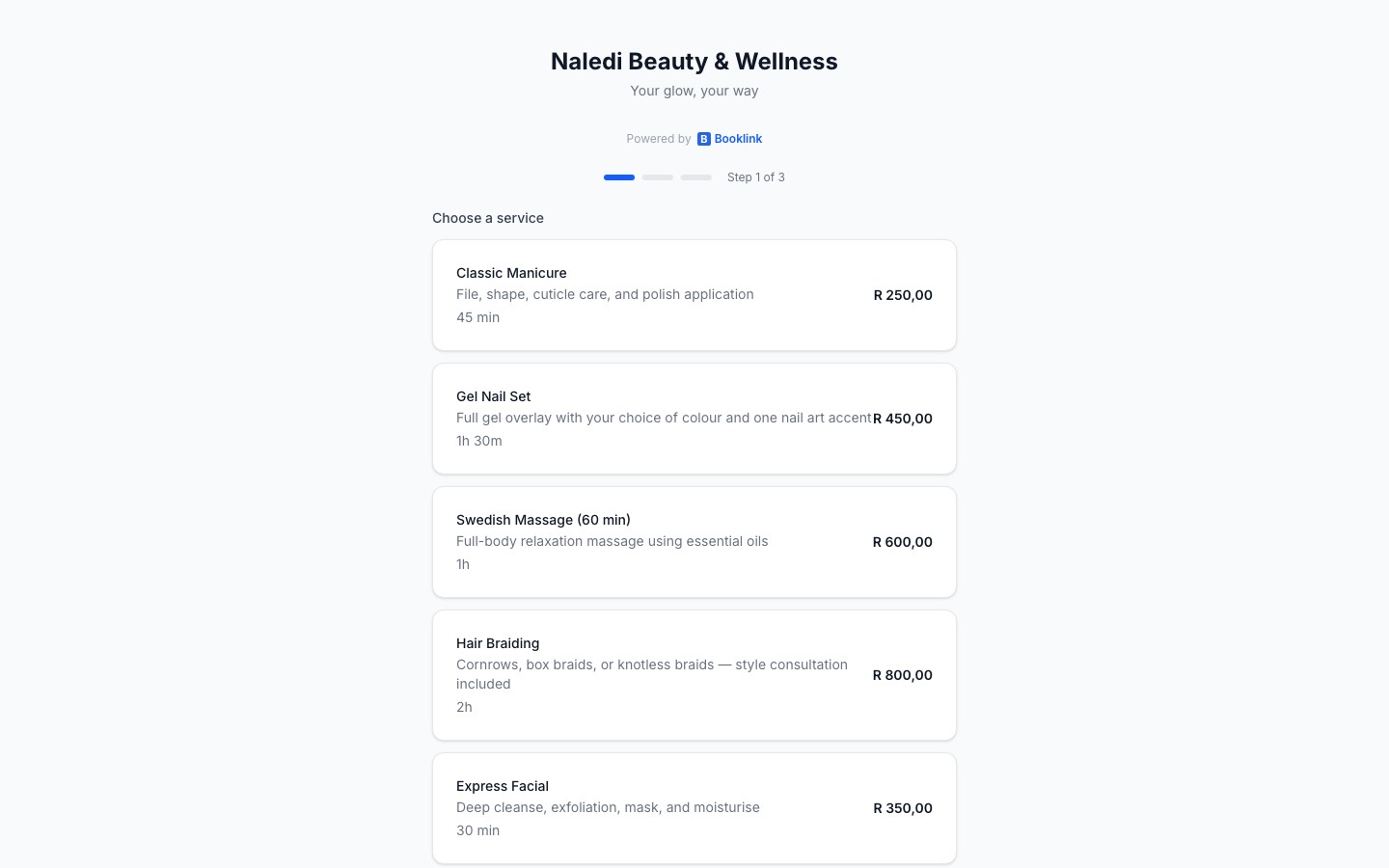
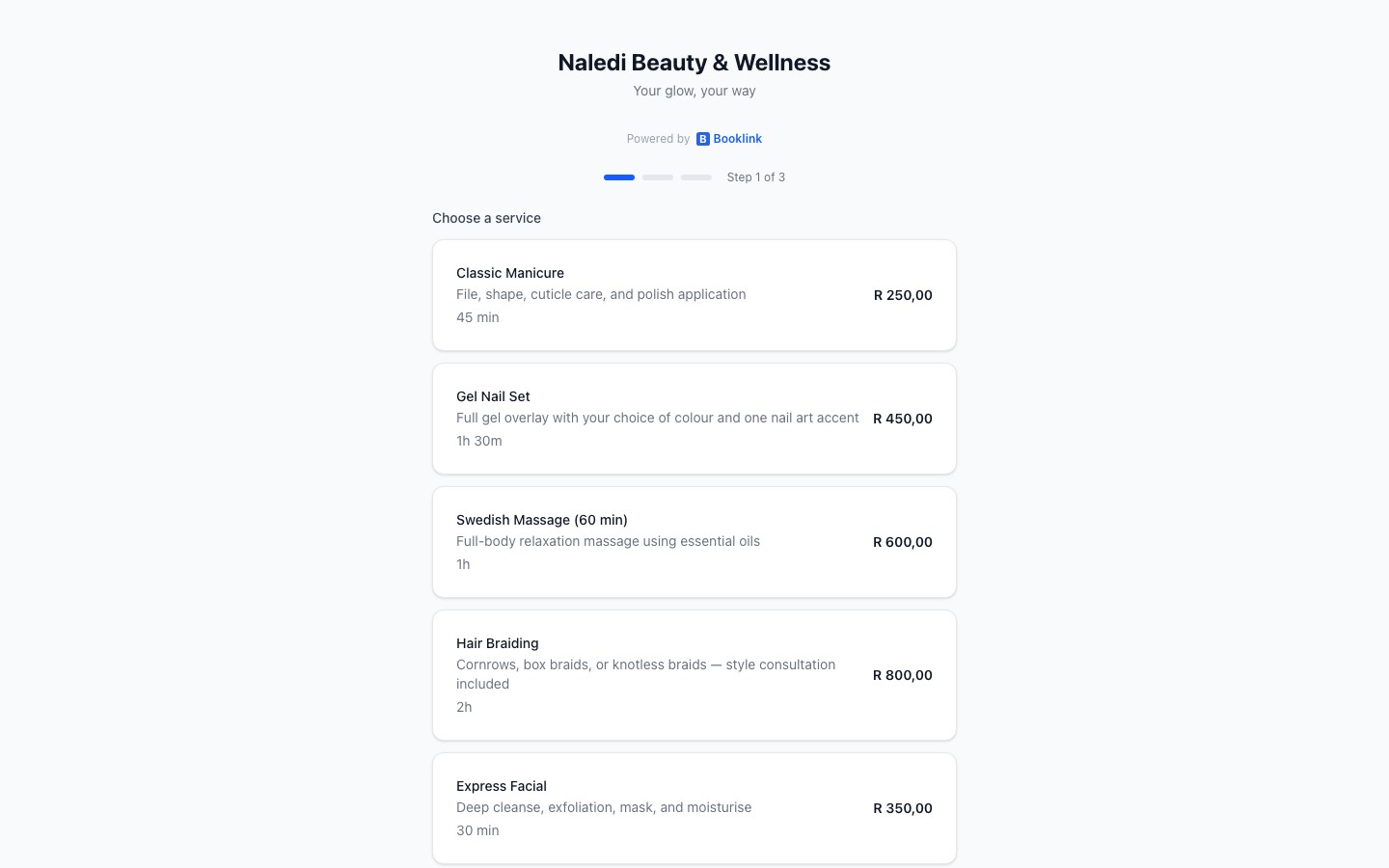
Services shown on your page
Only active services appear on your booking page. Services that you have deactivated or archived are hidden from clients. You can control which services are active from the Services section of your dashboard.
Share your link widely
The booking page works on mobile and desktop. Share the link in your Instagram bio, WhatsApp status, Facebook page, email signature, and any website you have. Every visit is a potential booking.