If you have configured a payment gateway and set a price on a service, clients are required to pay upfront before their booking is confirmed. Booklink redirects them to the payment provider, waits for the result, and updates the booking automatically.
How payment fits into the booking flow
After the client fills in their contact details and clicks Book now, instead of seeing a confirmation screen they are redirected to your payment provider's checkout page (Yoco, Paystack, or PayFast). Payment must be completed there before the booking is confirmed.
Successful payment
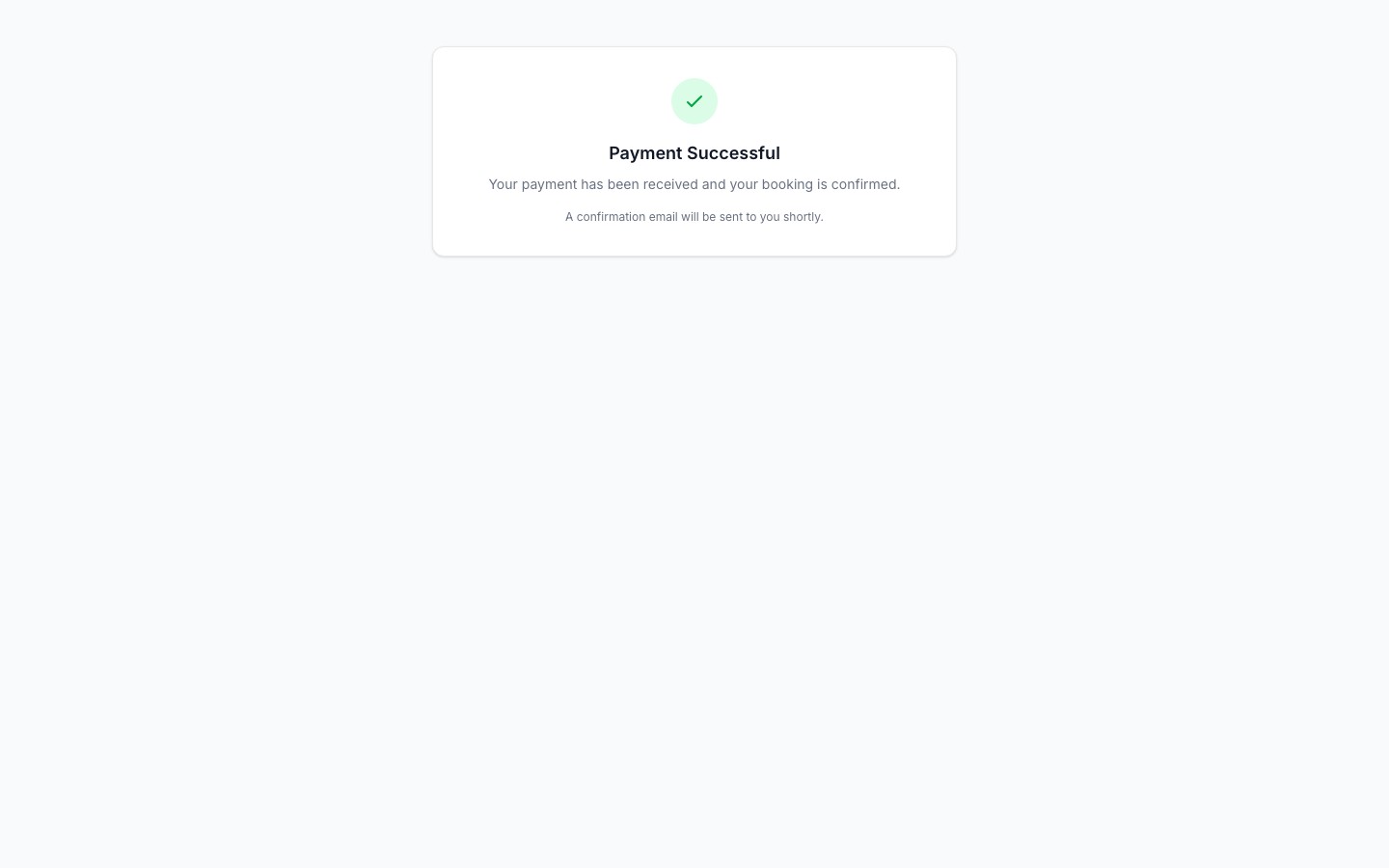
When payment succeeds, the client is returned to your booking page and shown a success screen. The booking is automatically confirmed and a confirmation email is sent to the client. In your dashboard the booking shows a Paid payment status.
Cancelled or failed payment
If the client closes the payment page without paying, or if their card is declined, they are returned to your booking page and shown a payment cancelled or failed screen. The booking remains in a pending state with a Failed or Unpaid payment status.
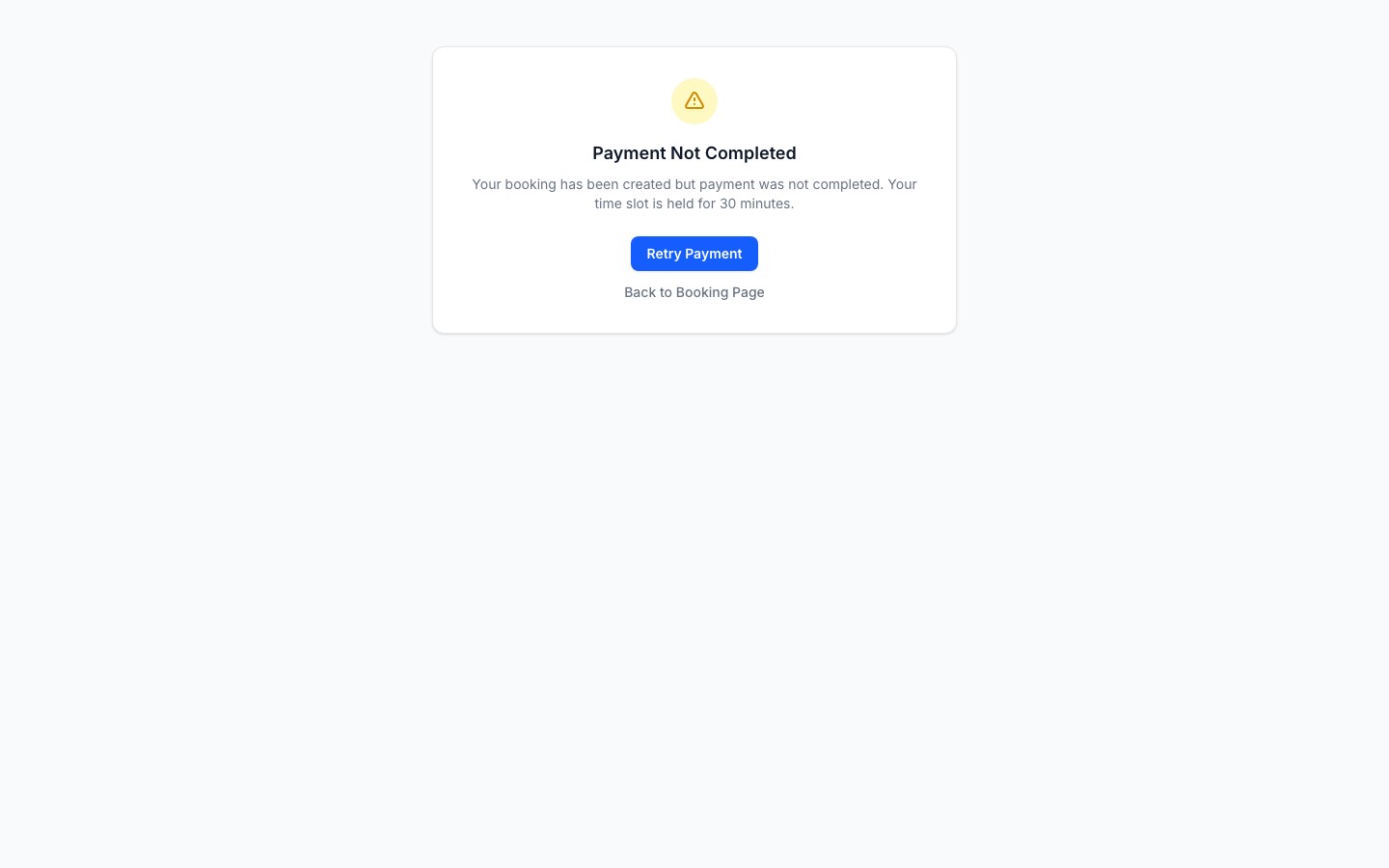
From the failed/cancelled screen the client can try again. If you would rather not keep an unpaid pending booking in your system, you can cancel it from your dashboard.
Refunds
Booklink does not process refunds directly. If a paid booking is cancelled and a refund is owed, you need to issue it through your payment provider's dashboard (Yoco, Paystack, or PayFast). Booklink will mark the booking as cancelled, but the payment status does not automatically change to reflect a refund.
Free services are not affected
Services with a price of R0 skip the payment step entirely. The client goes directly from entering their details to seeing the confirmation screen.