Auto-confirm removes the need for you to manually approve every new booking. Reminders help reduce no-shows by sending clients an automatic email (and optionally WhatsApp message) before their appointment.
Auto-confirm
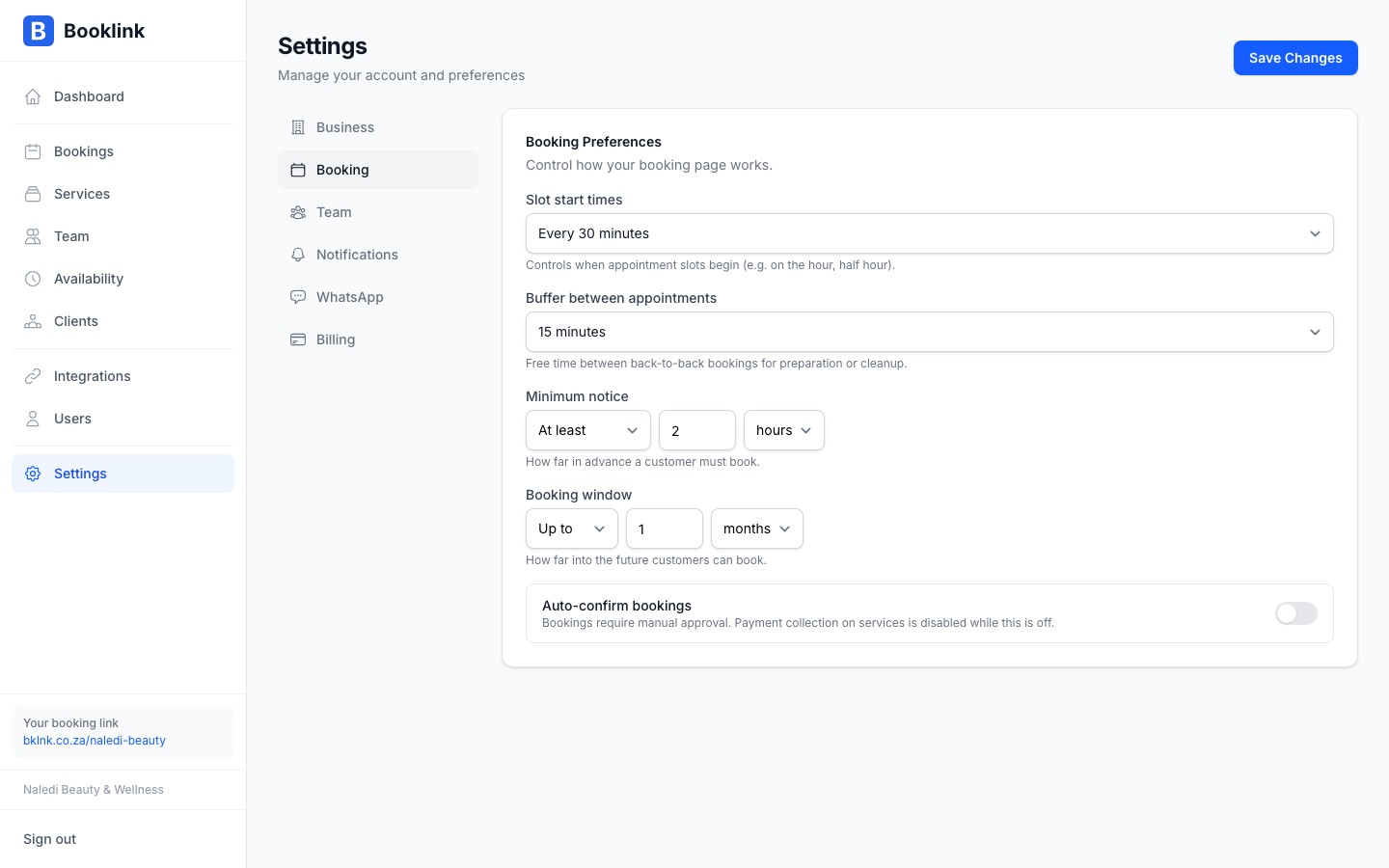
When Auto-confirm is enabled, every new booking is automatically confirmed the moment the client submits the booking form. The client receives their confirmation email immediately, with no waiting for your approval.
When auto-confirm is off, new bookings sit in a Pending state until you manually confirm them from the booking detail panel.
To toggle this, go to Settings → Booking preferences and find the Auto-confirm new bookings switch.
Email reminders
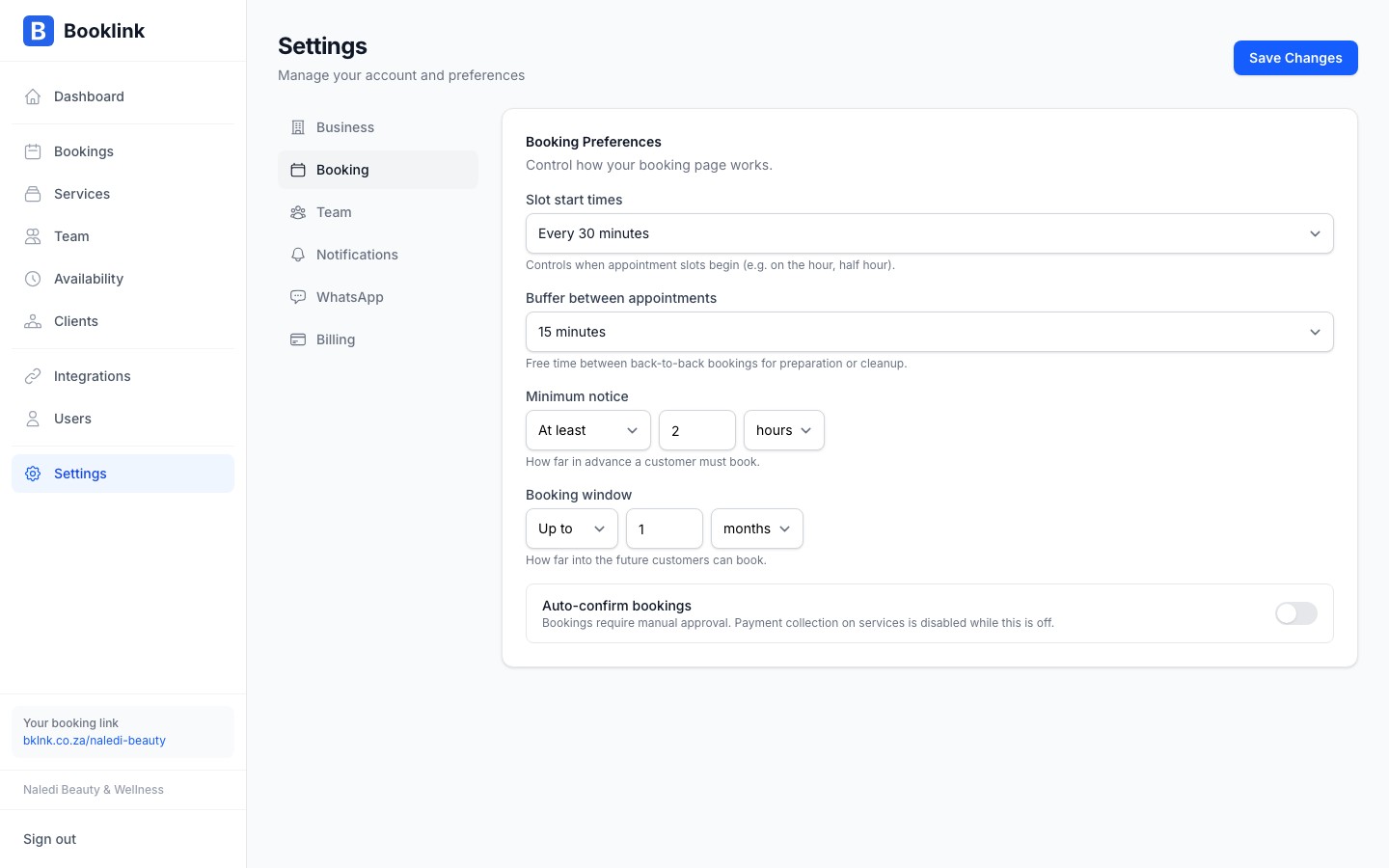
Booklink can automatically send a reminder email to clients before their appointment. To configure this, go to Settings → Booking preferences and find the Reminder settings section.
You can set:
- Whether reminders are enabled — toggle on or off
- How many hours before the appointment the reminder is sent — for example, 24 hours before
The reminder email includes the appointment date, time, service, team member name, and your business contact details. It also contains the client's manage-my-booking link in case they need to reschedule or cancel.
WhatsApp reminders
If you have WhatsApp notifications enabled, reminders can also be sent via WhatsApp at the same time as the email. See the WhatsApp notifications article for setup instructions.Reminders are sent once
Each booking only receives one reminder notification. If you reschedule a booking, the reminder is not re-sent — make sure the new appointment time still gives enough lead time for the client to be reminded.