Your business information is used across your Booklink account: it appears at the top of your public booking page, in confirmation emails sent to clients, and as your contact details in booking notifications. Keeping this up to date ensures clients always have the right information.
Updating your business information
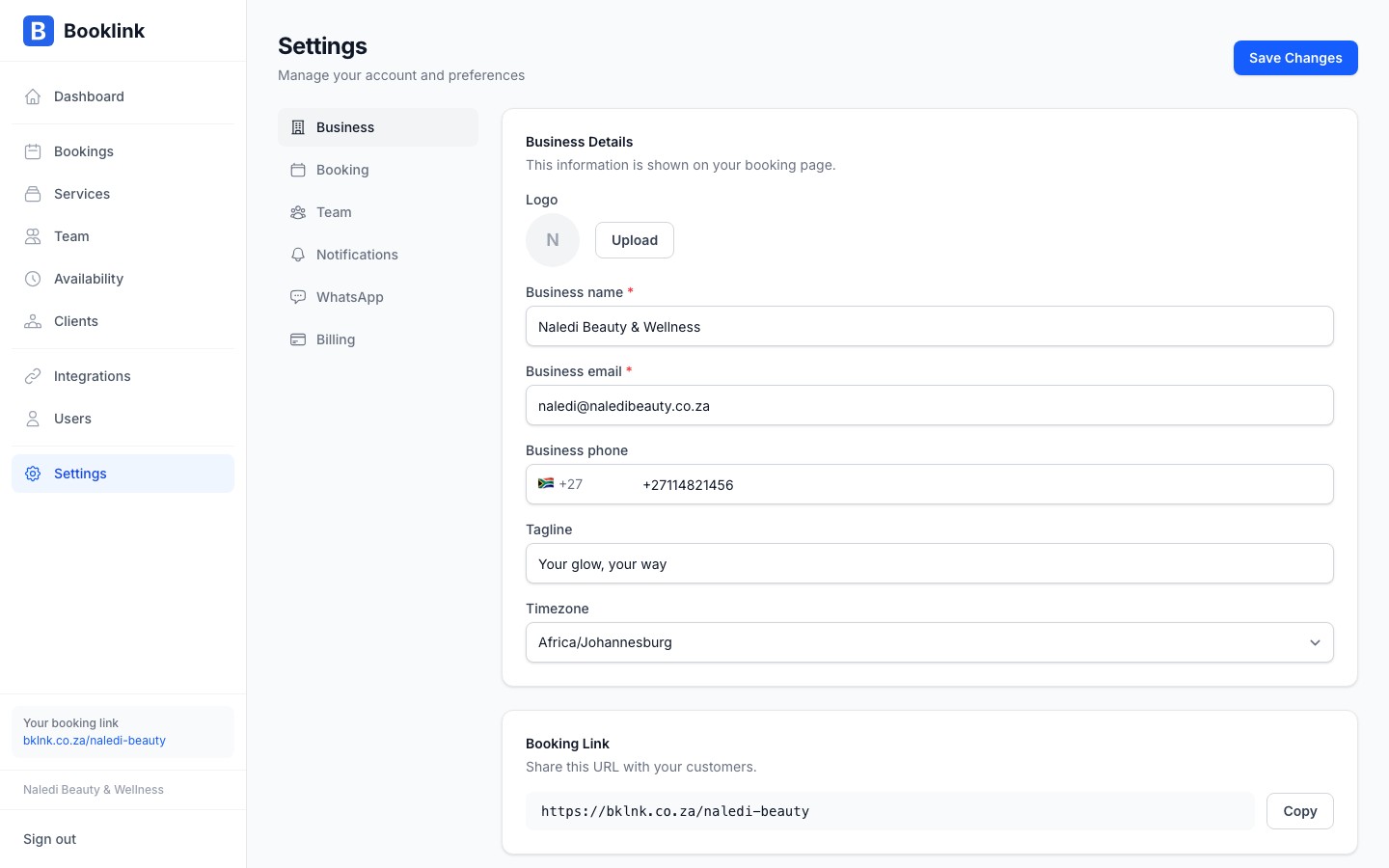
Go to Settings → Business information to update any of the following fields:
- Business name — shown as the heading on your booking page and in client emails
- Email address — used as the reply-to address on all outgoing emails
- Phone number — displayed on your booking page so clients can contact you
- Tagline — a short one-line description shown below your business name on the booking page
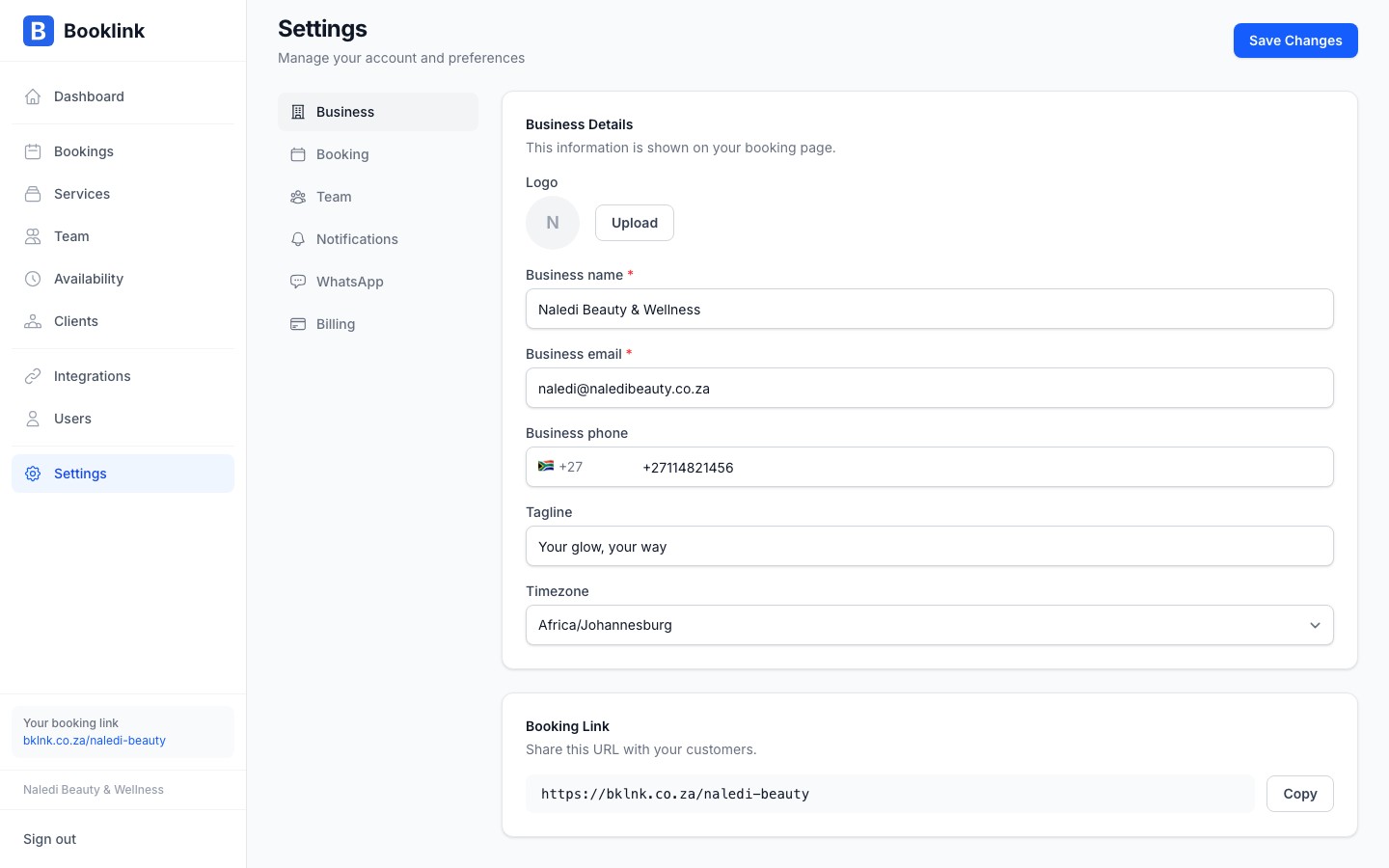
- Timezone — all booking times are displayed in this timezone; set it to your local timezone to avoid confusion
- Booking link slug — the last part of your public booking page URL
Uploading a logo
Your logo is displayed at the top of your public booking page. To upload or update it, scroll to the Logo section on the Business information page and click the upload area. Supported formats: PNG, JPG, SVG. Recommended size: at least 200 × 200 pixels. Square or circular logos work best.
Timezone matters
If your timezone is set incorrectly, booking times will appear at the wrong hour for you in the dashboard, even though clients see times in their own browser timezone. Always set this to your actual physical location — for most South African businesses that is Africa/Johannesburg (UTC+2).