Deleting your Booklink account is permanent. It removes all your business data, services, availability settings, bookings, clients, and integrations — this cannot be undone. Make sure you really want to do this before proceeding.
What gets deleted
When you delete your account, the following is permanently removed:
- Your account profile and all user logins
- All services and availability rules
- All bookings and their notification history
- All client records
- All integration credentials (Google Calendar, payment gateways)
- Your booking page and its slug — the URL will stop working immediately
- Any remaining WhatsApp credits (these are not refunded)
This cannot be undone
Account deletion is immediate and permanent. Booklink does not keep backups of deleted accounts. If you delete your account and change your mind, you will need to start over from scratch.How to delete your account
- 1
Go to Settings → Danger Zone
Scroll to the bottom of the Settings page to find the Danger Zone section.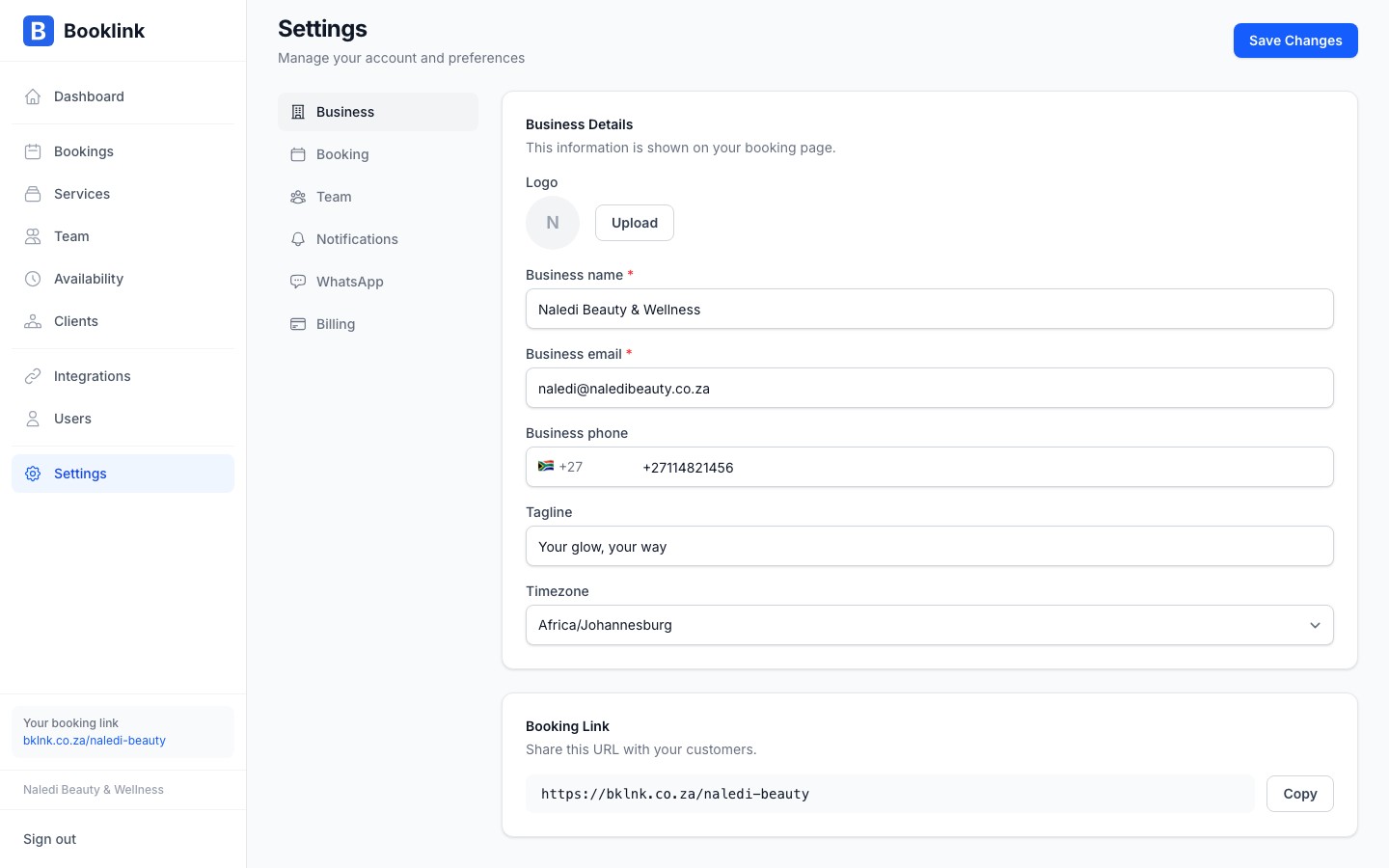
- 2
Click Delete account
Click the Delete account button. A confirmation prompt appears asking you to type your business name to verify the action. - 3
Type your business name and confirm
Type your business name exactly as shown in the confirmation prompt, then click Permanently delete my account. Your account and all its data are deleted immediately.
Alternatives to deletion
Consider these alternatives before deleting:
- Taking a break? You do not need to delete your account. Simply stop sharing your booking link. Existing bookings remain but no new ones will come in.
- Want to stop paying? Cancel your subscription to drop to the free plan — your data stays intact.
- Handing over to someone else? Update the account email and user details instead of deleting.