WhatsApp messages are sent using a pre-paid credit system. Each message sent costs one credit. Credits are purchased in bundles and never expire. When your balance runs low, you can top up manually or set up automatic top-ups to keep messages flowing without interruption.
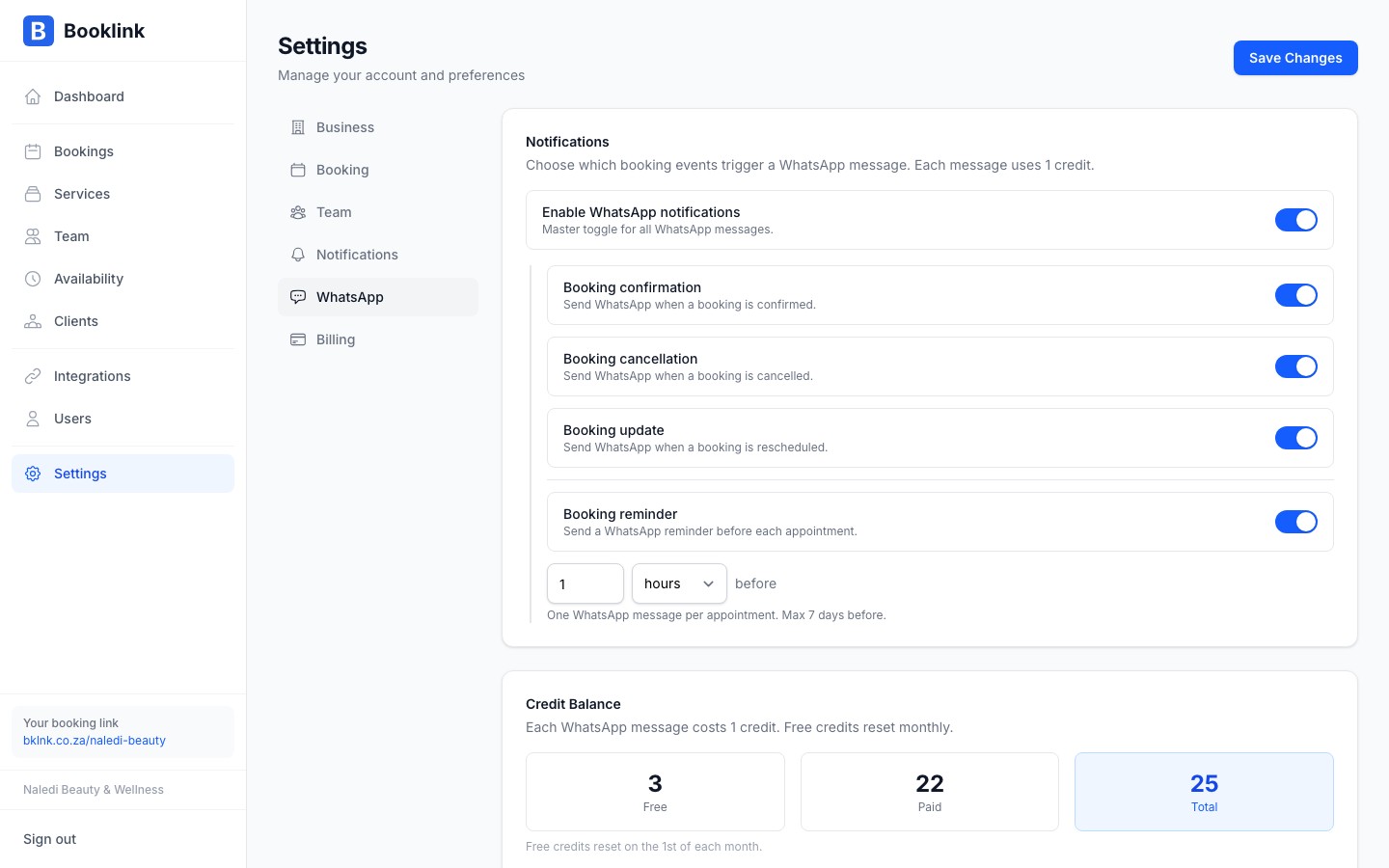
Checking your credit balance
Your current WhatsApp credit balance is shown in Settings → WhatsApp credits. The balance updates in real time as messages are sent.
Purchasing credits
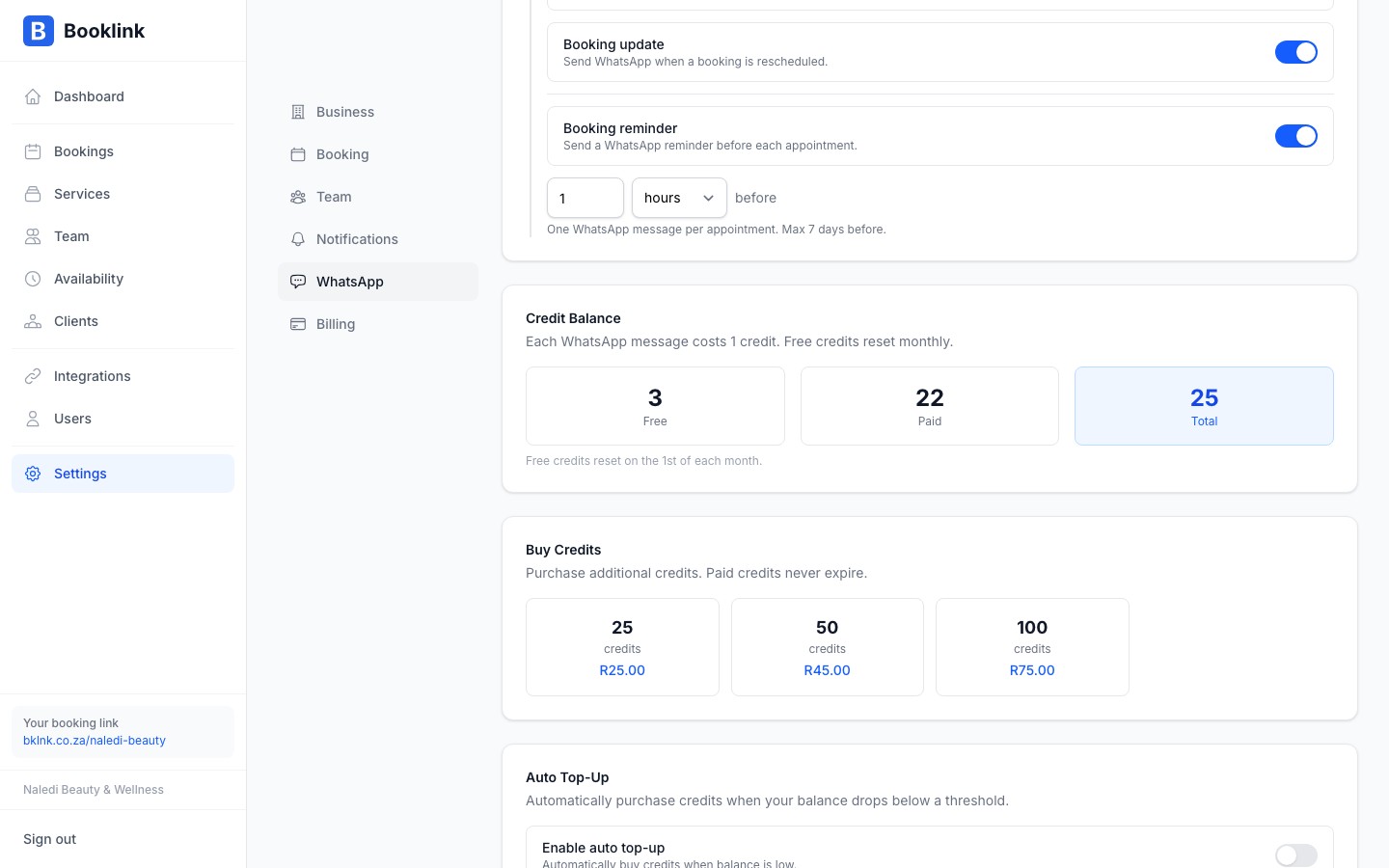
To buy more credits, click Buy credits on the WhatsApp credits page. Select a bundle size — larger bundles have a lower cost per credit. Payment is processed immediately via your saved payment method or a one-time card payment.
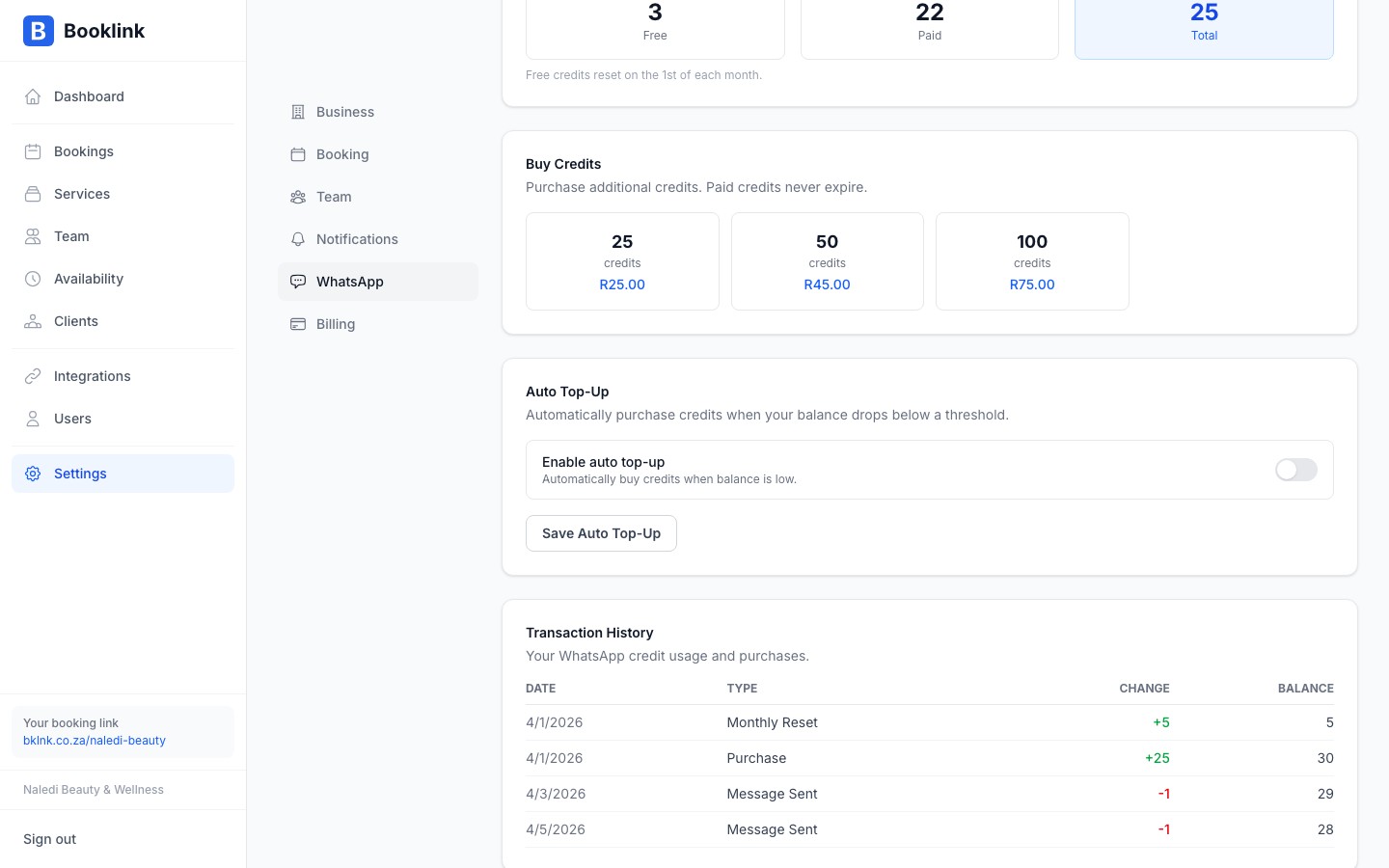
Transaction history
Below the credit balance you will find a log of credit transactions: purchases (showing the bundle bought and amount paid) and message sends (showing which booking triggered the deduction and the message type). This helps you track usage and forecast when you will need to top up.
Auto top-up
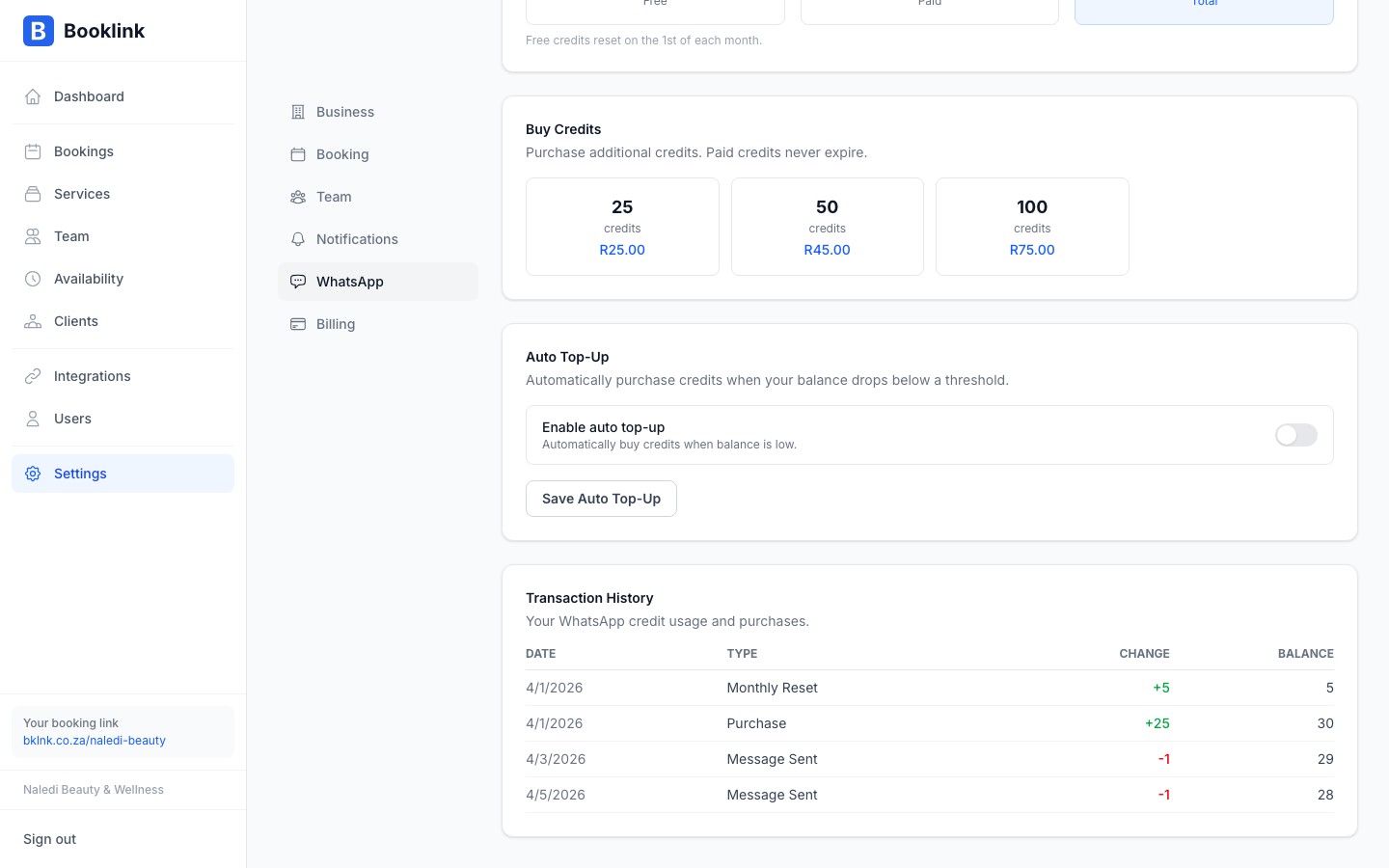
Auto top-up automatically purchases a credit bundle when your balance falls below a threshold you set. This ensures your WhatsApp notifications keep working even when you forget to check your balance.
To enable auto top-up, go to Settings → WhatsApp credits → Auto top-up and configure:
- Trigger balance — the balance level that triggers a top-up (e.g., 10 credits remaining)
- Bundle to purchase — which credit bundle to buy automatically each time
How many credits do you need?
Count the number of bookings you typically get per month, then multiply by the number of WhatsApp notifications enabled per booking (confirmation, reminder, etc.). For example: 40 bookings/month × 2 notifications each = 80 credits/month. Start with a bundle slightly larger than that estimate.