WhatsApp notifications let you reach clients on the messaging app they use most. When enabled, Booklink sends a WhatsApp message to the client's phone number alongside the standard email for key booking events. Each WhatsApp message uses one credit from your balance.
Enabling WhatsApp notifications
Go to Settings → Notifications and find the WhatsApp section. You can enable or disable WhatsApp notifications for each event type independently:
- Booking confirmation — sent when a booking is confirmed
- Booking cancellation — sent when a booking is cancelled
- Appointment reminder — sent a set number of hours before the appointment (uses the same timing as your email reminder setting)
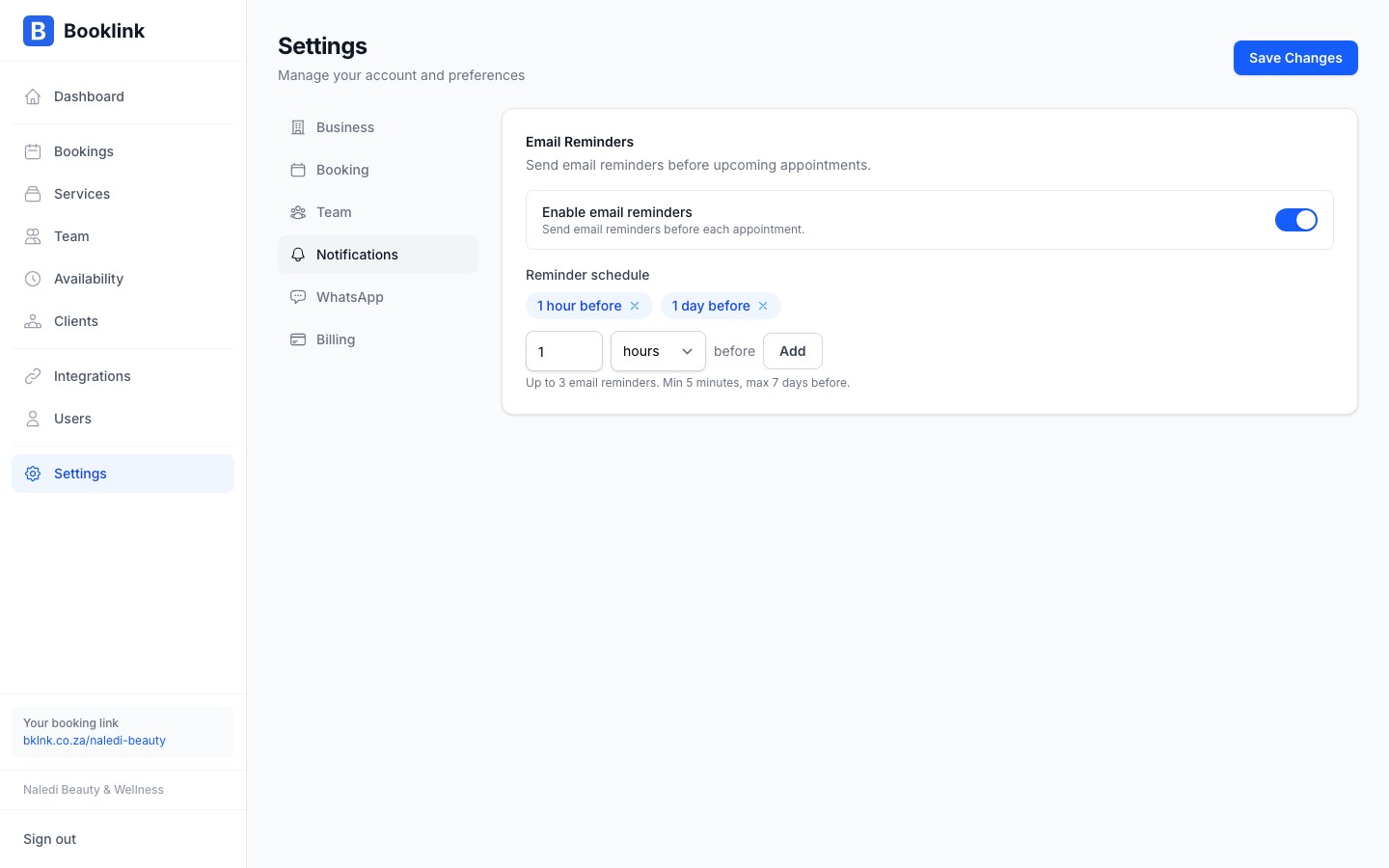
Reminder-specific settings
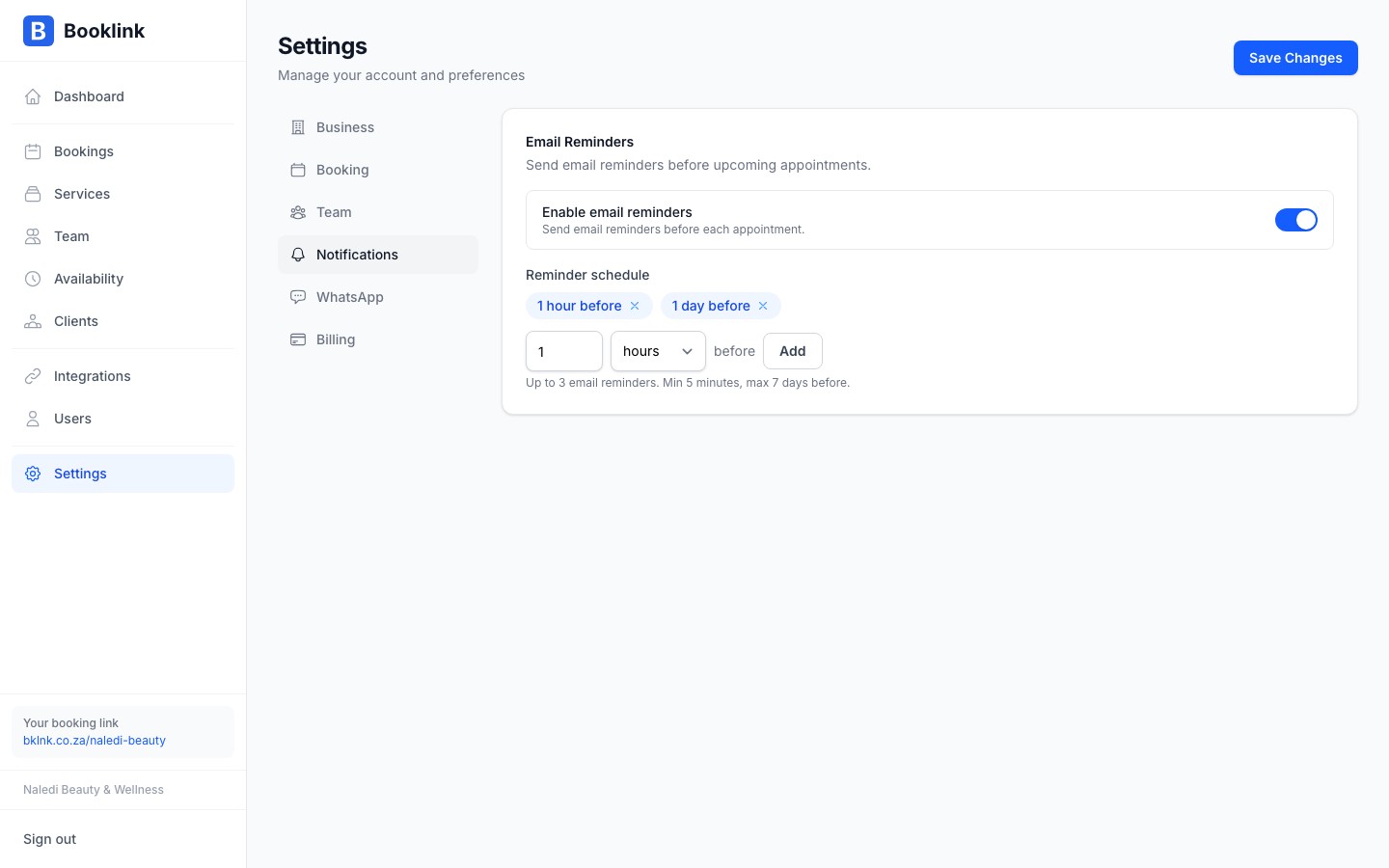
The WhatsApp reminder follows the same timing as your email reminder (set in Settings → Booking preferences → Reminder settings). You can preview the reminder message format from the notification settings page.
Phone number requirements
WhatsApp messages are sent to the phone number the client provides when making a booking. For delivery to succeed:
- The number must be a valid mobile number registered on WhatsApp
- South African numbers should be entered with the country code: +27 followed by the number without the leading 0 (e.g., +27 82 123 4567)
If a client does not provide a phone number, or their number is not registered on WhatsApp, the message will not be delivered. Email is always sent as a fallback.
Credits are consumed on send, not on delivery
A credit is used when Booklink sends the WhatsApp message, regardless of whether it is successfully delivered to the client. Make sure clients provide valid WhatsApp-registered numbers to avoid wasted credits.