A service assignment links a team member to a service, meaning that team member can be booked for that service. You can manage assignments from the team member's profile (adding services to a person) or from the service's detail page (adding people to a service). Both views show the same data.
Assigning from the team member profile
Open a team member's detail page and click the Services tab. You'll see a list of services currently assigned to them, along with any price or duration overrides. Click Assign service to add a new service to this team member.
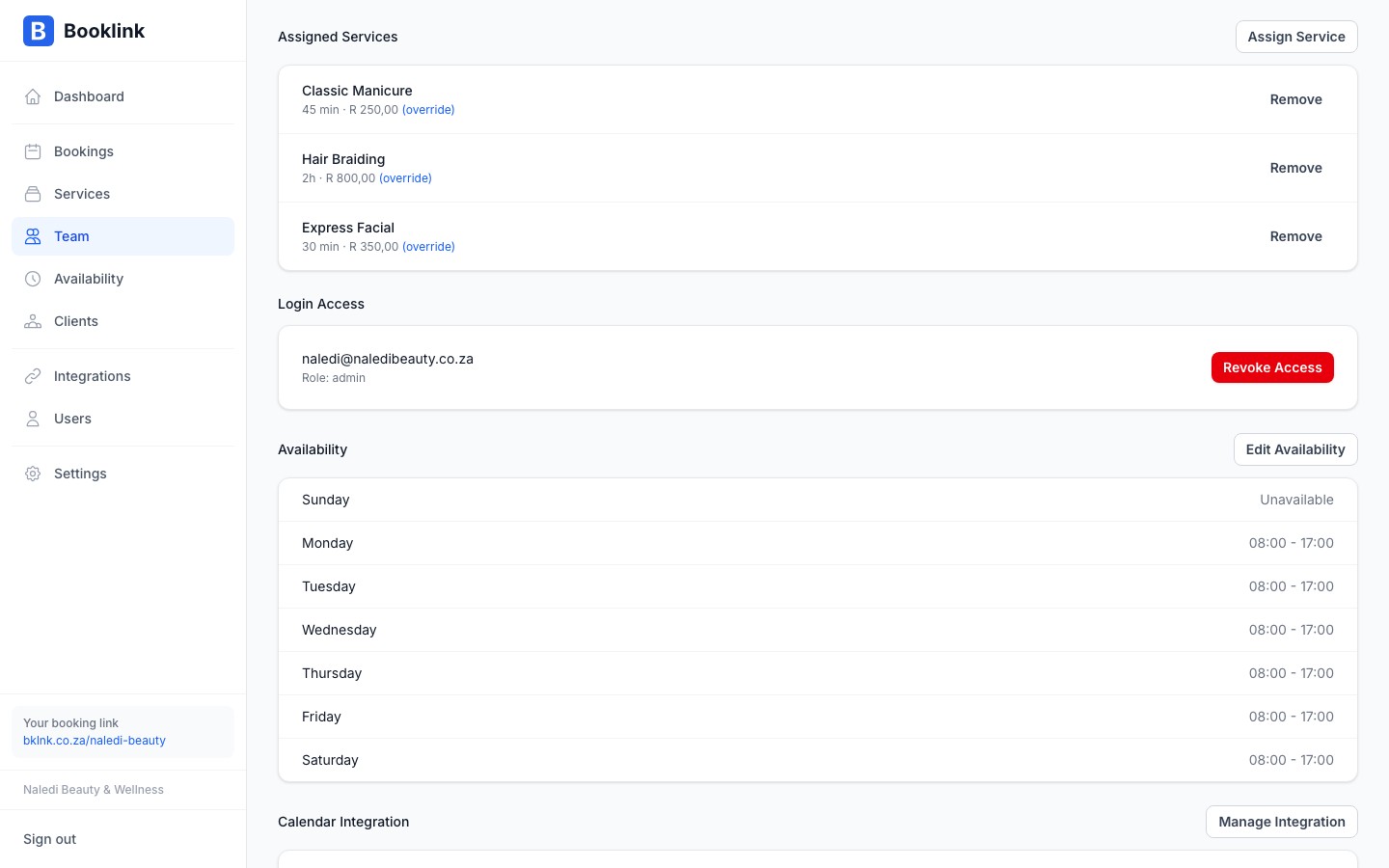
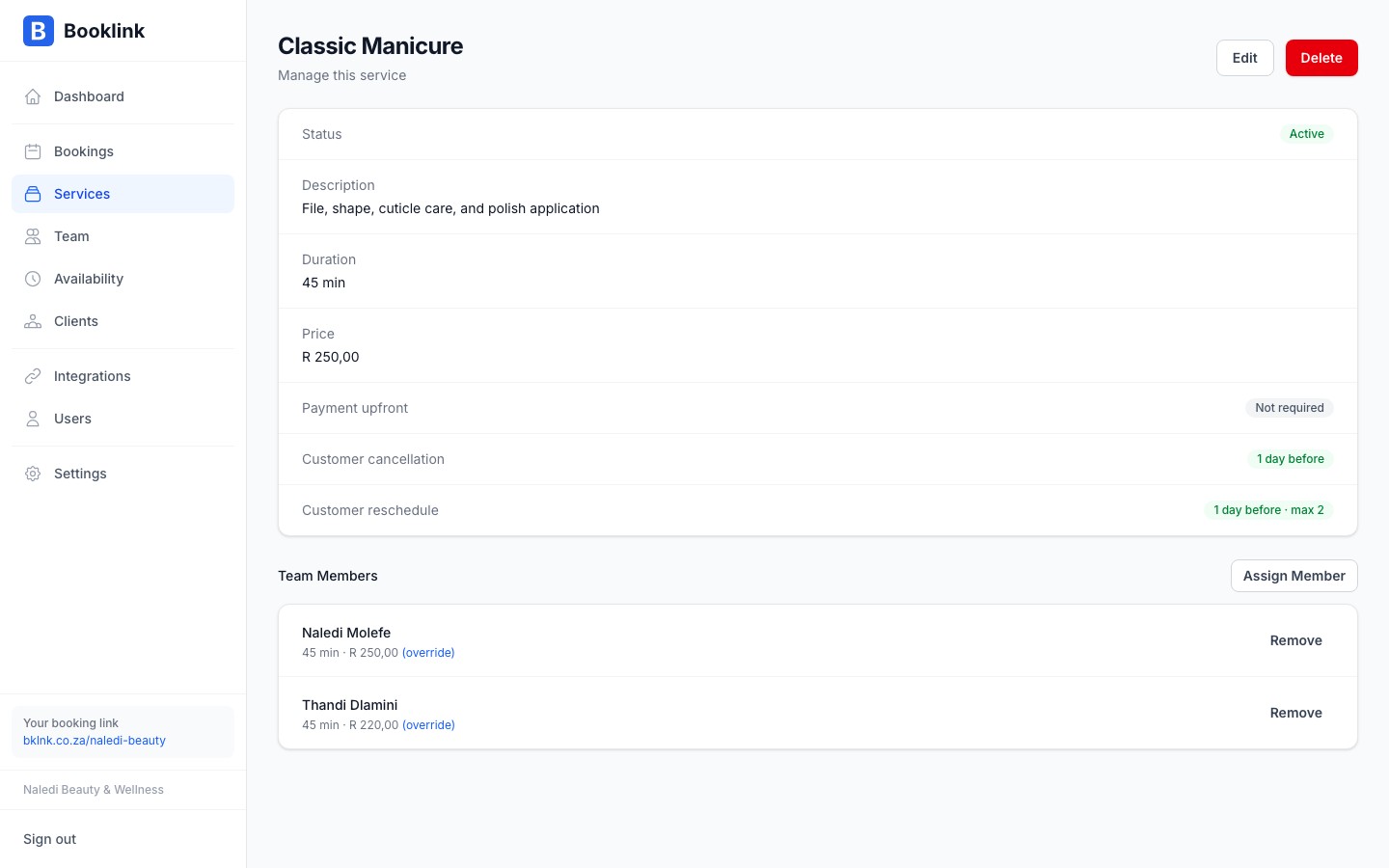
Assigning from the service detail page
You can also manage assignments from the service side. Open a service's detail page and find the Team assignments section. This shows which team members currently offer the service, and lets you add or remove members.
How assignments affect the booking page
When a client selects a service on your booking page, Booklink only shows team members who:
- Are assigned to that service
- Are currently active
- Have availability on the selected date
If only one team member is assigned and active, the booking page skips the team member selection step and goes straight to date and time selection.
Assign at least one team member to every service
A service with no active team member assignments will not appear as bookable on your booking page, even if the service itself is active. Make sure every active service has at least one active team member assigned.